Scheduling Software for Freelancers & Consultants

Look established from the first click. Share a clean booking page, screen requests with intake forms, and avoid unpaid time on calls.

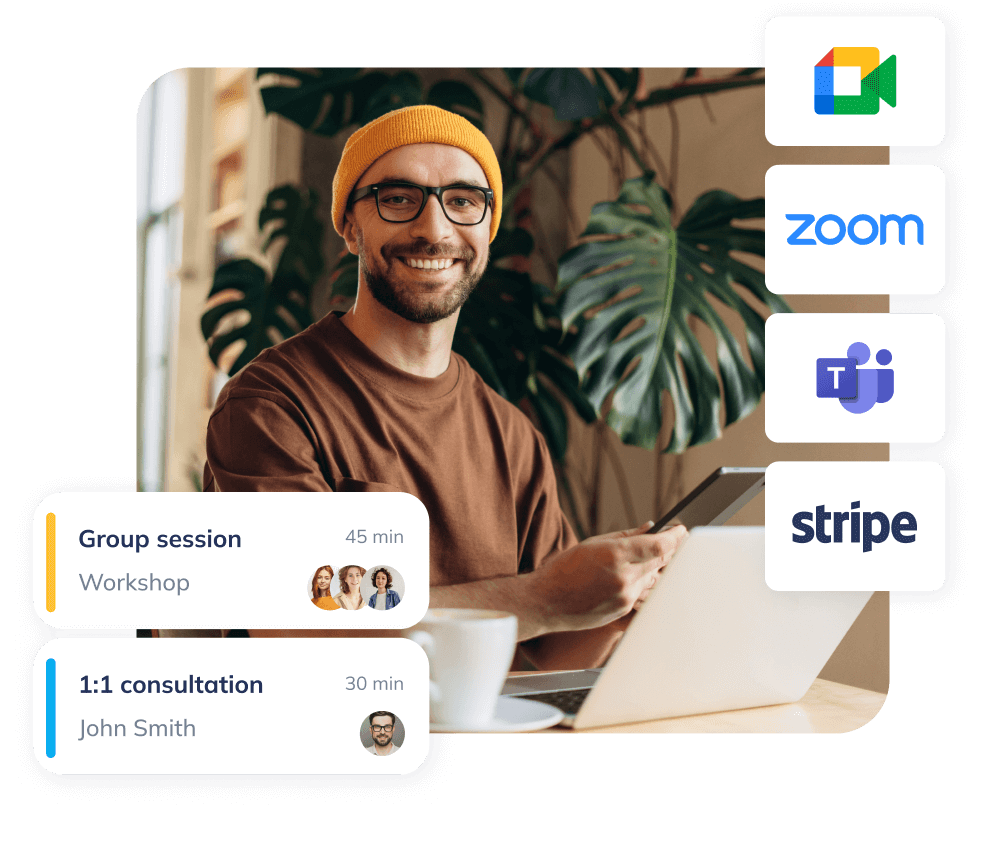
Branded freelancer booking page with next available times and book now button

Quick wins for freelancers

  • Attract right-fit clients

    a polished, branded booking flow sets the right first impression.

  • Protect billable hours

    clear rules & notice windows mean fewer unpaid calls and fewer last-minute changes.

  • Set healthy boundaries

    charge for consultations or request deposits to lock commitment upfront.

  • Qualify fast

    less admin, more time spent on client projects and creative work.

Make booking effortless — clients schedule in seconds

Replace back-and-forth messages with a simple flow for discovery, paid consultations, or project checkpoints. Clients choose a time that works while you stay in control with rescheduling rules and daily limits. Share a link, add a "Book a meeting" button to your LinkedIn profile, or embed your availability on your site or portfolio for seamless scheduling across any meeting type.
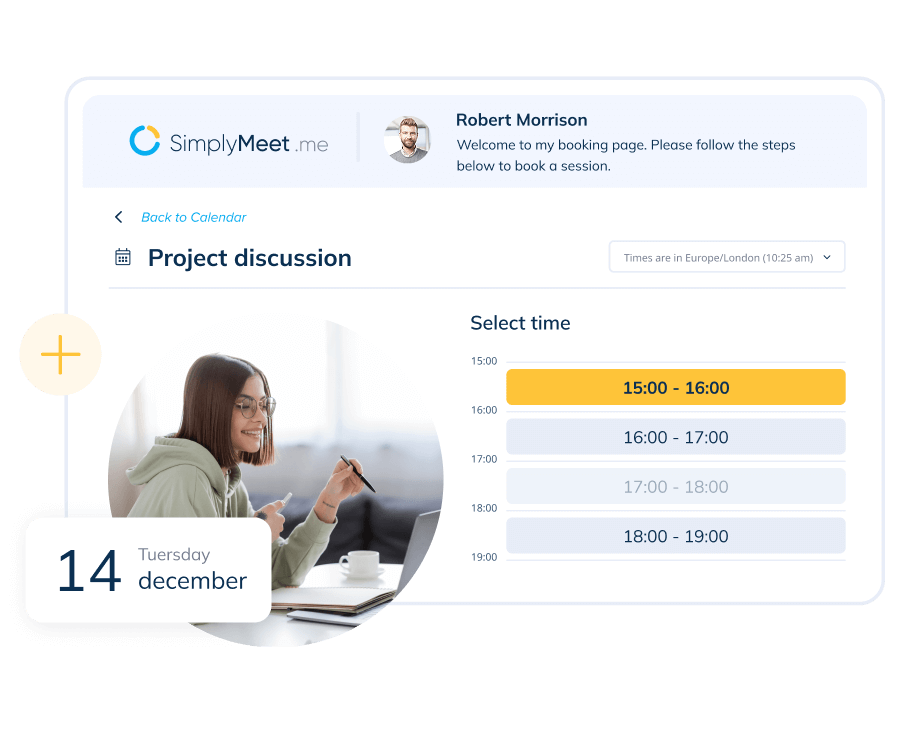
Scheduling page example
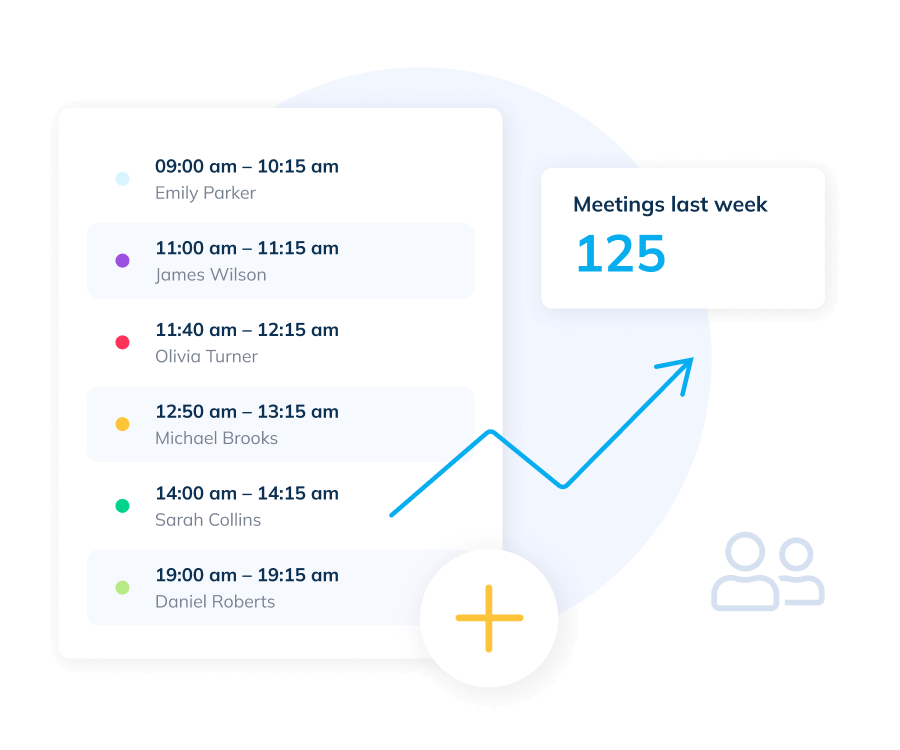
Meetings list example

Protect your focus time with simple rules

Set meeting windows that respect deep-work blocks. Add minimum notice cancellation, rescheduling windows, and limits per day so your calendar stays predictable and your projects ship on time.

Get paid for consultations and deposits

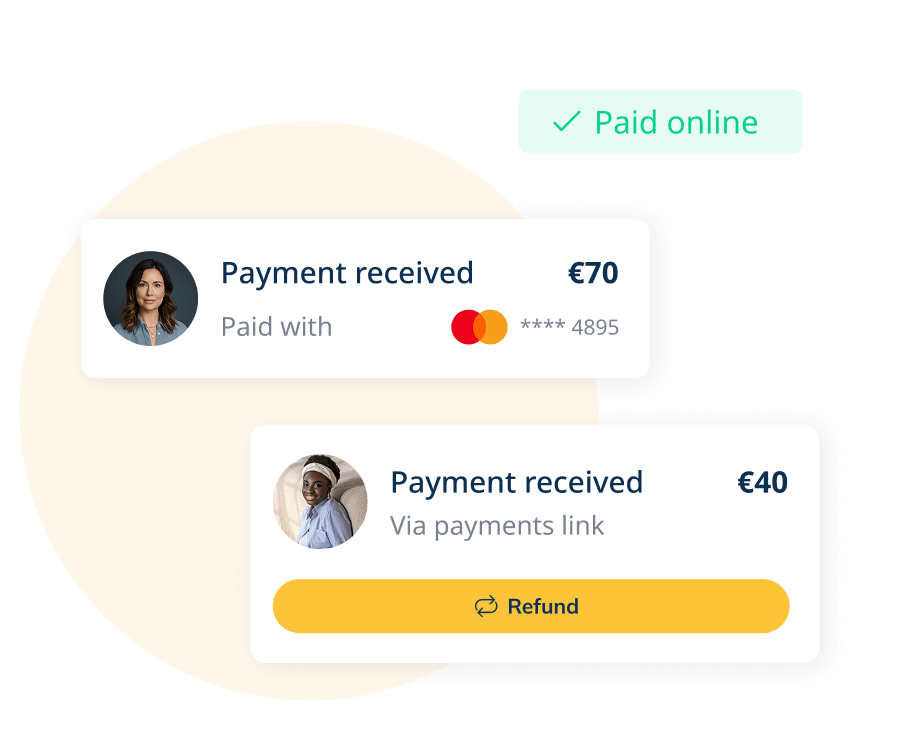
Offer paid consultations, request a deposit on discovery calls, or collect full payment upfront when needed. Payments run through SBPay with popular processors like Stripe and PayPal, reducing no-shows and protecting your time.

Payment widgets example
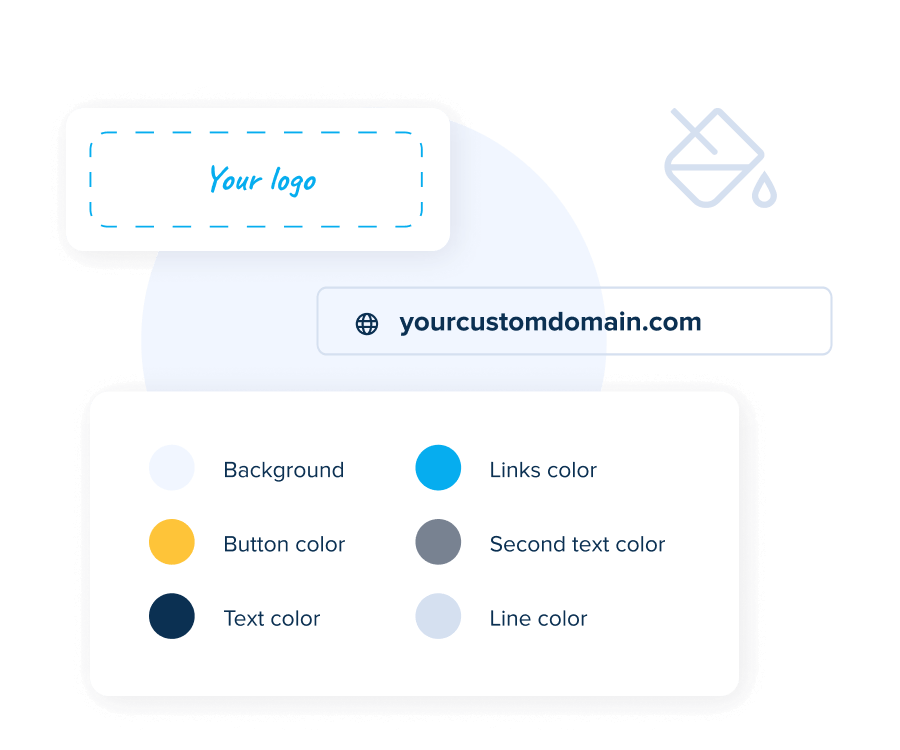
Branding settings example

Look professional with a branded booking page

A clean, branded booking page and matching confirmations build trust and reinforce your expertise. Keep the experience consistent from first click to the meeting reminder so your brand feels established and reliable.

See it in action

Ver vídeo

Use cases for freelancers and consultants

  • Discovery & paid consultations

    qualify with intake questions, request a deposit, and set expectations upfront.

  • Client onboarding

    collect essentials (goals, brand assets, links) before the first working session.

  • Project checkpoints & reviews

    offer short review calls without disrupting deep-work blocks.

  • Website & portfolio embed

    place a "Book a meeting" button or embed your booking page for a seamless experience.

How It Works

  • 01.Connect your calendars

    keep availability synced and conflict-free across your tools

  • 02.Create meeting types and availability

    choose durations and clear policies that fit your workflow

  • 03.Add essentials

    intake forms, online meeting tools, and payments

  • 04.Share or embed

    use a link, button, or website embed where clients convert

Integrations at a glance

  • Calendars

    stay in sync across devices and avoid double-booking

  • Online meeting tools

    auto-create unique links with popular tools, or set a custom location

  • Pagamentos

    take deposits or full payments at booking through SBPay

  • Automation and analytics

    connect your stack for reminders, tracking, and workflows

See All Integrations
Integrations image
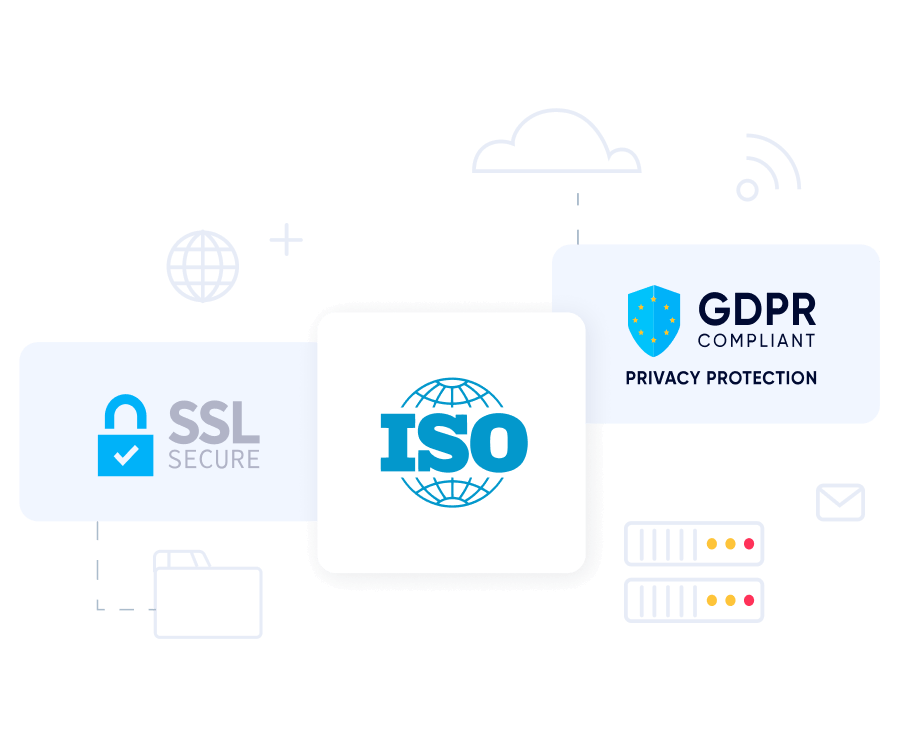
Security and privacy image

Security & privacy

Your schedule and client data stay private and under your control. SimplyMeet.me supports secure payments via SBPay and follows GDPR-friendly practices so you can work with confidence.

See how freelancers and teams use SimplyMeet.me

Explore real booking flows — from solo freelancers to small agencies — and see how intake forms, deposits, routing, and team scheduling work together in a clean, branded experience

Perguntas Frequentes

1

Can I charge for discovery calls or consultations?

2

How do intake forms help me qualify leads faster?

3

Can I limit when clients can book so I keep deep-work time protected?

4

Can I use my own domain and keep the booking page fully on-brand?

5

Can I set clear cancellation/no-show rules and fees?

6

Do you support recurring check-ins for retainers?

7

How do I keep my personal calendar private but still avoid double-booking?

Streamline client scheduling — without the overhead

Manage intake, availability, and bookings in one place, whether you work solo or with a small team

Start for Free