Speed Up Demo Scheduling for B2B Sales

Turn clicks into meetings fast. Add your booking link to signatures and sequences, let prospects self-book, and keep your pipeline moving

Branded sales booking page with next available times and book now button

Quick wins for sales reps

  • Hit quota faster

    fill your calendar with qualified demos by letting prospects book the moment they’re interested.

  • Speed up time-to-meeting

    one-click booking from your email or website moves deals forward without back-and-forth.

  • Protect your pipeline

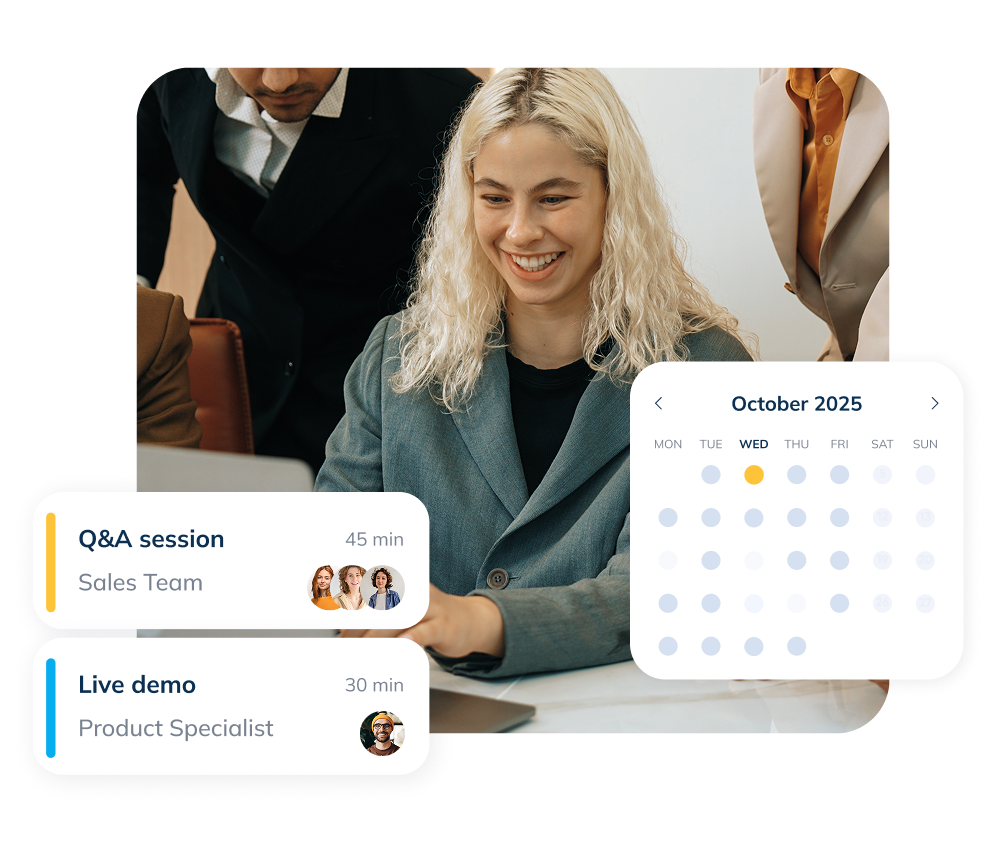
    automatic confirmations and reminders help demos actually happen and on time.

  • Win back selling time

    routing and scheduling run on their own, so you spend less time coordinating.

Avoid scheduling back-and-forth — let prospects book instantly

Replace the chase with a clean booking flow. Prospects pick a time that works, while you stay in control with sensible limits and clear rescheduling rules.
Share your booking link in email signatures and outbound sequences, add a “Book a demo” button to your site, or add it to your LinkedIn profile to capture interest in the moment and shorten time-to-first-meeting.
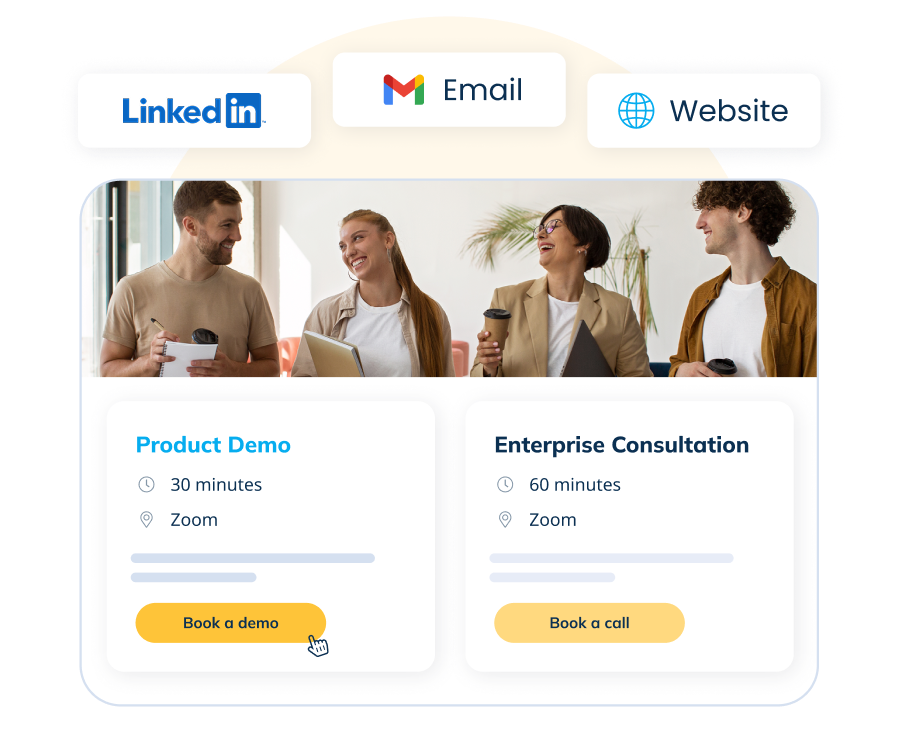
Multiple booking sources example
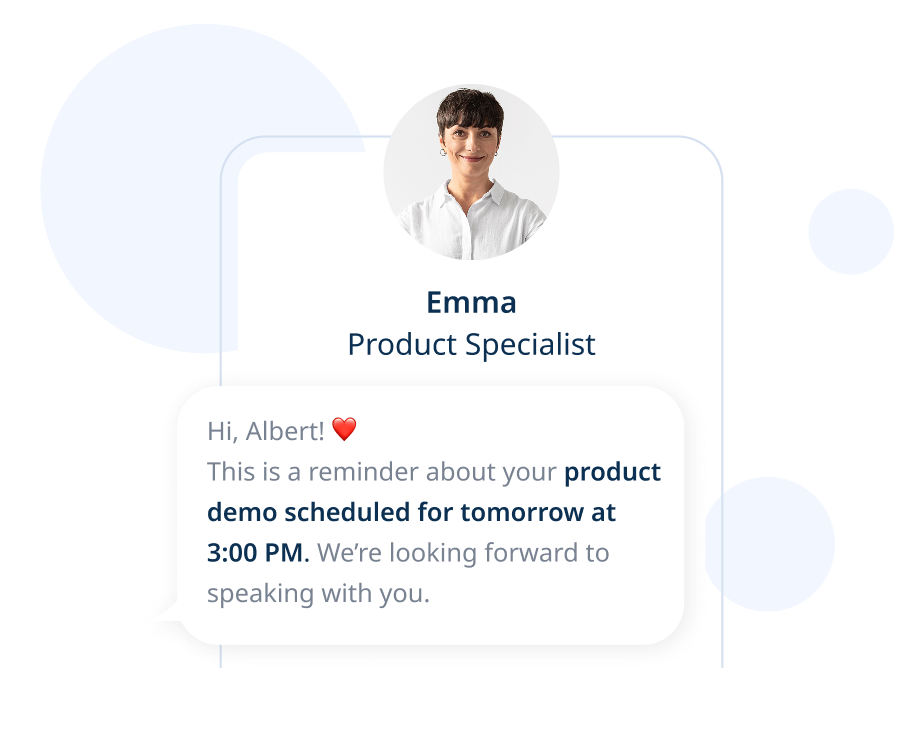
Reminders example

Reduce no-shows with automated reminders

Automatic confirmations and reminders keep everyone aligned across time zones and devices, so your demos start on time with the right context.

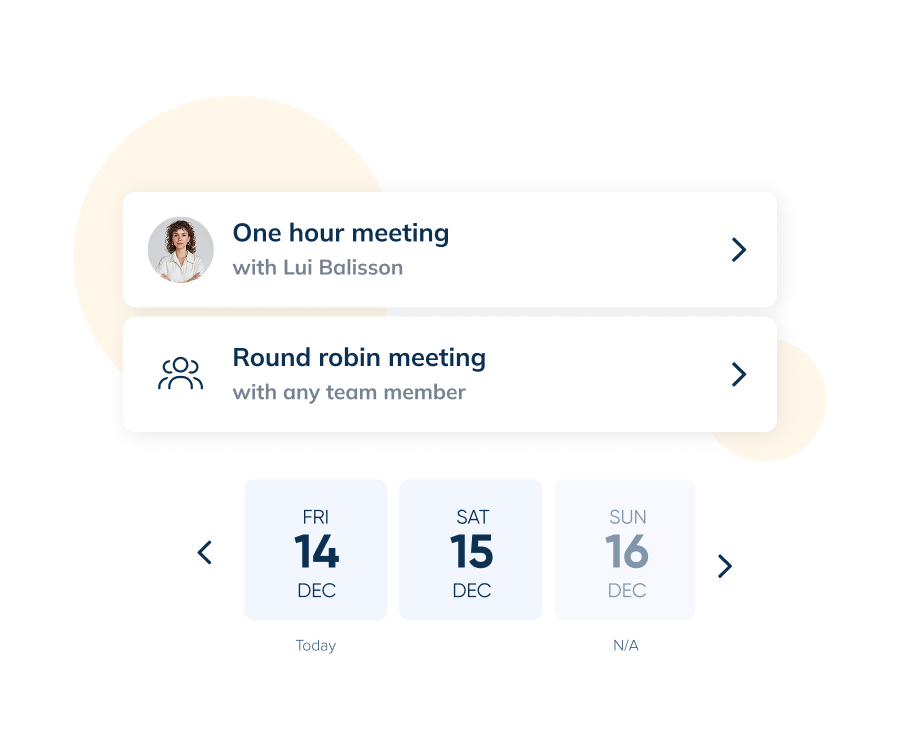
Round-robin and team pages that scale bookings

Show pooled availability on a single page and distribute inbound demos fairly with round-robin. Create team pages for SDRs, AEs, or regions, and keep load balanced when volume spikes.

Round-robin example
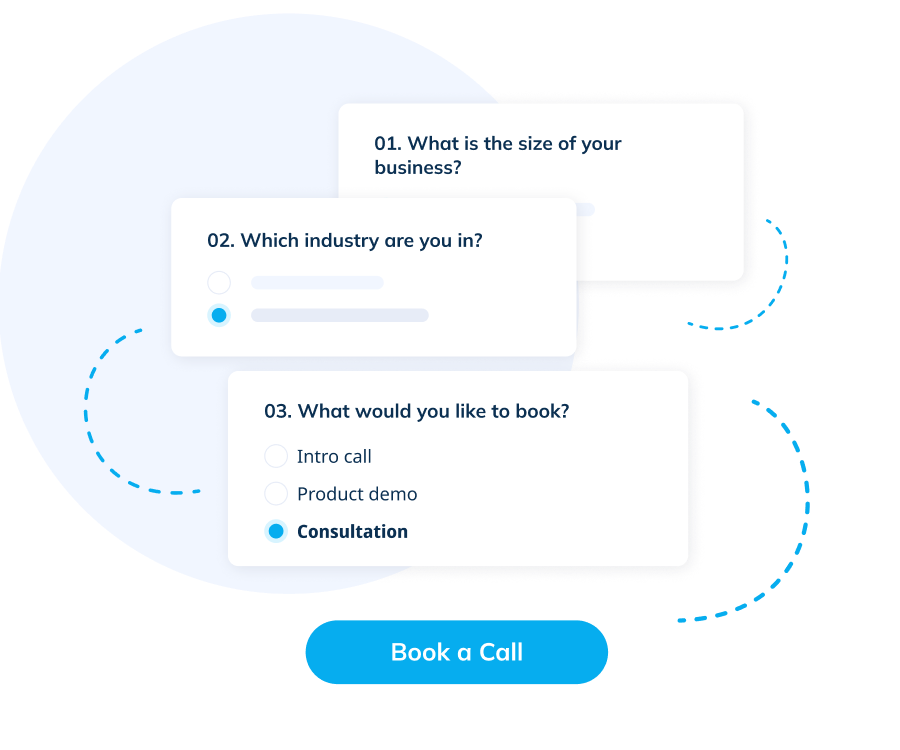
Routing forms example

Lead routing forms that qualify and direct

Ask a few qualifying questions to capture context and route each request with routing forms, sending high-intent leads to the right rep by territory, segment, or product interest — without manual triage.

CRM & workflow integrations that save admin time

Send meeting data where it belongs and cut manual updates with integrations that push booking details to your tools, trigger notifications, and keep tracking tidy behind the scenes.

Integrations example

See it in action

Watch video

Use cases or B2B sales

  • Easy rescheduling, no email threads

    let prospects move a demo within your rules to a nearby slot, so momentum and deals don’t stall.

  • Qualify & route from your demo page

    add a short intake on the booking flow to capture basics (company size, use case, region etc) and route to the right rep or team page automatically.

  • Post-webinar & event follow-ups

    turn warm interest into scheduled demos by linking directly to your booking page from follow-up emails and recap pages—no extra steps.

  • Clean CRM handoff

    send booking details and attendees into your tools via integrations, keeping owners, stages, and next steps up to date without manual admin.

How It Works

  • 01.Connect calendars

    keep rep availability synced and conflict-free.

  • 02.Create demo types

    set durations, meeting windows, and policies.

  • 03.Add essentials

    intake questions, team pages or round-robin, online meeting tools.

  • 04.Share or embed

    use a link, button, or website embed where prospects convert.

Integrations at a glance

  • Calendars

    stay in sync and avoid double-booking.

  • Online meeting tools

    auto-create unique links, or set a custom location.

  • Automation & CRM handoff

    connect your stack for routing, notifications, and tracking.

See All Integrations
Integrations image
Security and privacy image

Security & privacy

Keep prospect data safe while meetings and notifications run in the background. SimplyMeet.me follows GDPR-friendly practices, and SBPay handles payments securely when you take deposits or paid consultations.

SimplyMeet.me in action for sales teams (SDR & AE)

See how sales teams use a single shared team page to book demos faster and qualify leads effortlessly. Show pooled availability, distribute meetings fairly with round-robin, and route inbound requests using short intake forms by territory or segment. All confirmations, calendar updates, and CRM handoff run automatically in the background — so your reps focus on selling, not scheduling.

FAQ

1

Can I add a booking link to my email signature and sequences?

Yes. Use your personal or team link in signatures and outbound sequences so prospects can book the next step in one click. This removes friction on desktop and mobile and keeps momentum from first touch to demo.

2

How does round-robin work for our team?

Create a team page with multiple reps and enable round-robin to distribute inbound bookings evenly. As calendars update, availability adjusts automatically so demos land in open slots without manual coordination.

3

Can we route leads by territory or segment?

Yes. Add a short intake form with a few qualifying questions. Based on the answers, send each request to the right calendar or team page so prospects land with the best-fit rep.

4

Do you auto-generate online meeting links?

Yes. When a meeting is booked, a unique link can be generated in your connected online meeting tool and added to confirmations and calendar events. You can also set a custom location for in-person or conference-bridge calls.

5

How do we reduce demo no-shows?

Use automatic confirmations and reminders, and make rescheduling simple but controlled. Sharing a bit of context through intake questions also improves attendance and demo quality.

6

Can managers see performance across the team?

Team pages and round-robin make distribution transparent. Pair this with your analytics or CRM to track meetings booked, attendance, and conversion to pipeline.

Ready to simplify demo scheduling for your sales team?

Route leads to the right sales rep, eliminate scheduling friction, and move deals faster with SimplyMeet.me

Start for Free