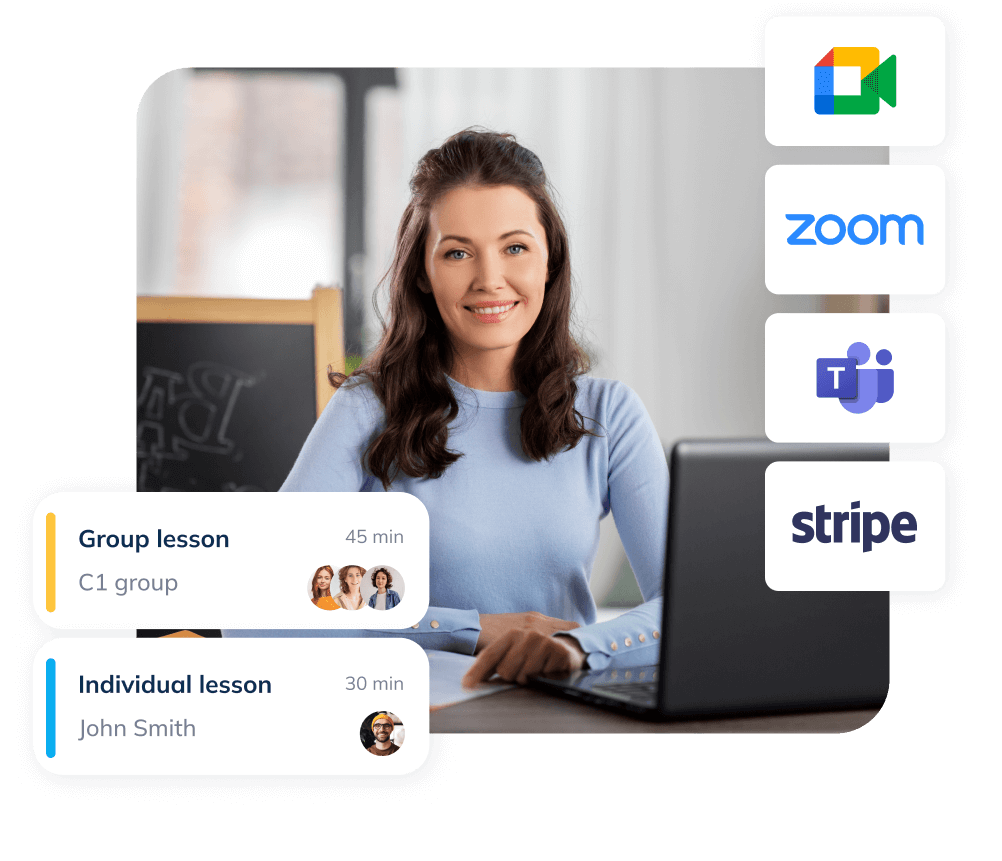
Scheduling Software for Tutors & Online Coaches

Look professional, protect your time, and let students book lessons without email back-and-forth - online or in person. Teachers can use a simple teacher scheduling app experience that works on any device.

Branded education booking page with next available times and book now button

Quick wins for tutors

  • Grow faster

    students book instantly without back-and-forth, so you fill more lessons with less effort.

  • Look more professional

    a clean, branded booking page and consistent messaging build trust with students and parents and lift conversion.

  • Improve outcomes

    automatic confirmations and reminders keep attendance solid, so lessons start on time and progress stays on track.

  • Cut admin time

    collect intake info, take deposits or payments at booking, and let scheduling run itself while you focus on teaching.

Avoid email ping-pong — let students book instantly

Give students a clean way to book trial lessons or ongoing sessions. You stay in control with simple limits and clear cancellation windows. Share a link, add a “Book now” button, or embed your scheduling page on your site.
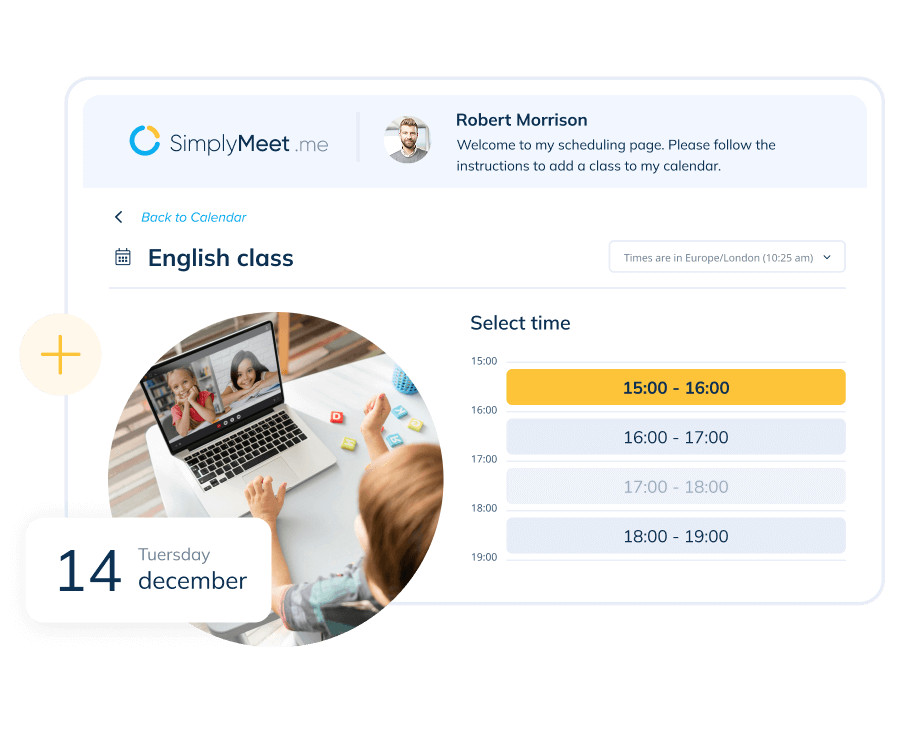
Scheduling page example
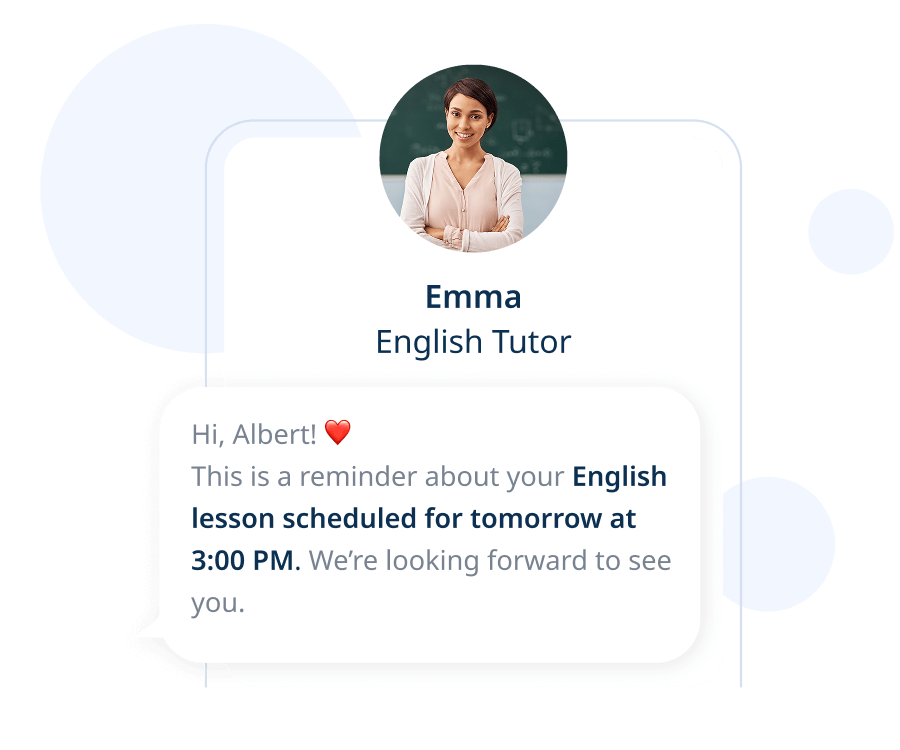
Reminders example

Reduce no-shows with automated reminders

Automatic confirmations and reminders keep everyone aligned across time zones and devices. Students arrive prepared, you spend less time chasing, and your calendar runs on time.

Take payments or deposits before the lesson

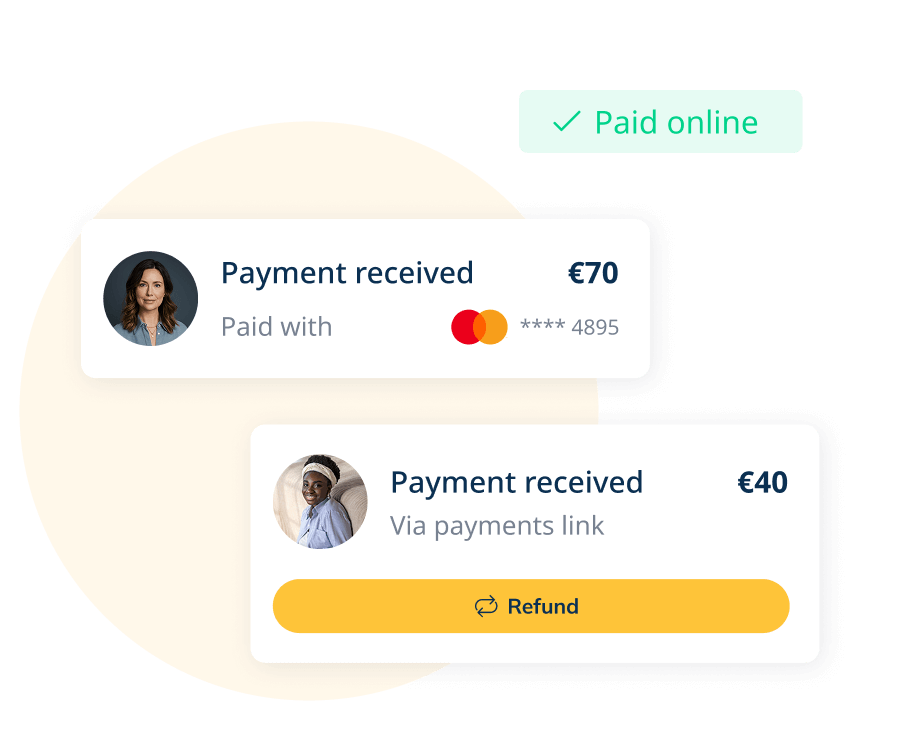
Ask for deposits on trials, charge for paid consultations, or collect full payment upfront. Payments run through SBPay, and you can accept payments at booking. Taking a small deposit also helps reduce last-minute cancellations and protects your teaching time.

Payment widgets example
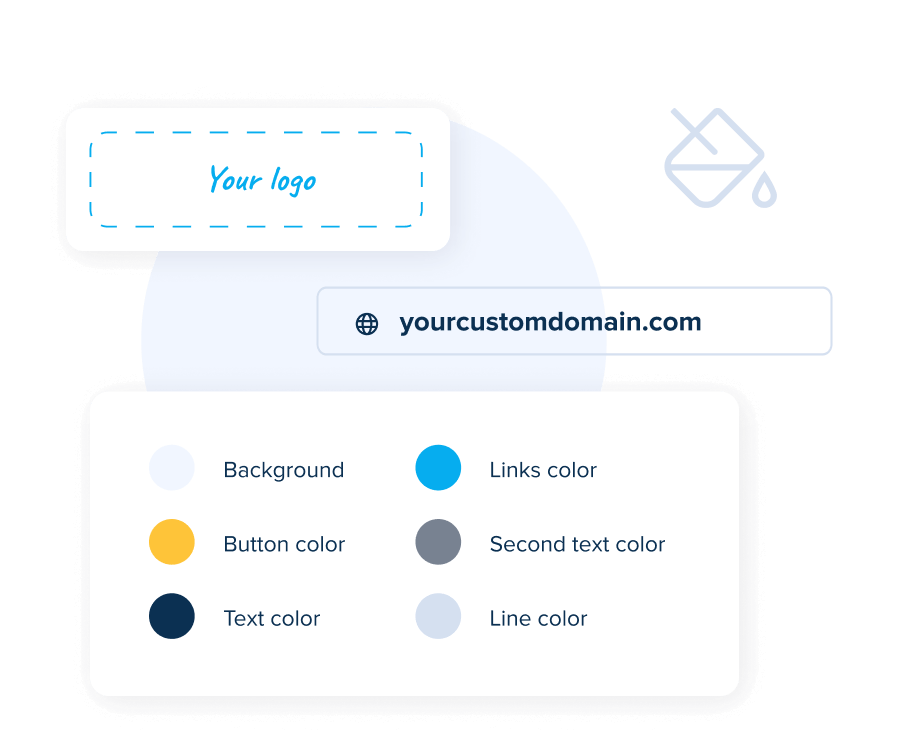
Branding settings example

Look professional with a branded booking page

A clean, branded booking page and matching confirmations build trust and signal professionalism to students and parents. Keep the experience consistent from the first click to the lesson reminder.

See it in action

Watch video

Use cases for tutors and coaches

  • Trial or discovery sessions

    qualify new students with intake questions, limit weekly trial slots, and set expectations from the start.

  • Private lessons

    offer flexible durations, allow sensible rescheduling, and keep prep time protected between lessons.

  • Group classes and workshops

    set capacity, display remaining seats when helpful, and send reminders to every attendee.

  • Online lessons

    connect your preferred online meeting tools to auto-create unique links, or set a custom location for in-person sessions.

How It Works

  • 01.Connect your calendars

    keep availability synced and conflict-free across the tools you use every day. You can also save time with calendar integrations.

  • 02.Create lesson types and availability

    choose durations, set teaching hours, and define clear policies.

  • 03.Add essentials

    build intake forms, connect your preferred online meeting tools, and enable payments.

  • 04.Share or embed

    send your booking link, add a button to your site, or embed your page directly.

Security and privacy image

Security & privacy

Your schedule and client data stay private and under your control. SimplyMeet.me supports secure payments via SBPay and follows GDPR-friendly practices so you can work with confidence.

Integrations at a glance

  • Calendars

    stay in sync across devices and avoid double-booking

  • Online meeting tools

    generate unique links automatically with popular tools, or use a custom location.

  • Payments

    take deposits or full payments at booking through SBPay

  • Automation and analytics

    connect your stack for reminders, tracking, and workflows

See All Integrations
Integrations image

See how educators use SimplyMeet.me

Explore real booking flows for tutors and education teams — from solo teachers to small schools — and see how routing forms simplify scheduling for students.

FAQ

1

Can I take deposits for trial lessons or charge for discovery calls?

Yes. With SBPay you can request deposits for trials, charge for paid consultations, or take full payment during booking. Many tutors use deposits to confirm commitment and reduce late cancellations. You control the rules that fit your policy, and payment details are included in confirmations and calendar events.

2

Will SimplyMeet.me generate the online meeting link automatically?

Yes. When a student books, SimplyMeet.me can create a unique link in your connected online meeting tool and add it to confirmations and calendar events. Popular choices include Zoom, Microsoft Teams, Google Meet, and Whereby. Prefer in-person or a custom setup? Set a custom location and keep everything consistent. Explore options on the Integrations page.

3

Which calendars can I connect to if I don't use Google or Outlook?

Connect the calendars you already rely on so SimplyMeet.me can respect busy times and avoid double-booking. The goal is simple: accurate availability and one source of truth for your schedule — without extra admin.

4

Can I embed the booking page on my website?

Absolutely. Embed your full page or a specific meeting type on WordPress and other site builders so students book without leaving your site. Prefer something lighter? Add a "Book now" button or share your booking link wherever you interact with students. For setup, see our embed guide.

5

Is there a parent-teacher scheduling option?

Yes. You can create a specific meeting type for parent-teacher meetings with clear time windows and automatic reminders. Parents pick a slot online and receive all details instantly.

6

Do you support group classes or workshops?

Yes. Create a group meeting type, set capacity, and decide whether to show remaining seats. Attendees receive confirmations and reminders like any other booking, which keeps everyone aligned.

7

Can students book several future lessons and pay once?

Yes. Students can select multiple sessions across different dates and complete a single checkout when multiple-meeting booking is enabled — ideal for intensives or structured study plans. You can also set up recurring lessons to reserve the same slot each week, keeping schedules predictable for ongoing students.

8

I'm a solo tutor now — what if I add more tutors later?

Start solo and add teammates anytime. When you grow to a small team, create a shared team page, turn on round-robin to distribute new bookings fairly, and use routing to send each request to the right tutor by language, level, or subject.

Ready to simplify scheduling for your classes?

Let students book lessons on their own, reduce back-and-forth, and keep your teaching schedule organized with SimplyMeet.me.

Start for Free