Professional

Manage the meetings scheduled with your teams – with SimplyMeet.me

Benefit image

Simplify your meeting scheduling

  • Let your clients choose time that suits both parties

  • See all the important details in your calendar

  • Easily modify the events

  • Add more participants

Benefit image

Streamline your team’s workflow

  • Take the scheduling off of your team’s shoulders with a scheduling page

  • Set round-robin meeting scheduling to speed up the meeting setting

  • Or let your clients choose who to schedule a meeting with

  • Use integrations with virtually any calendar

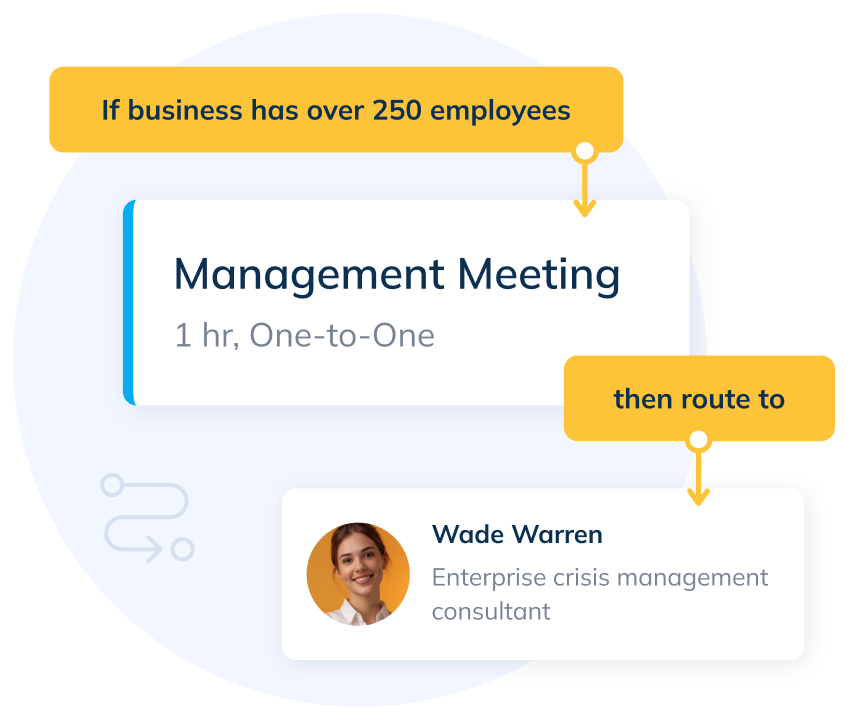
Optimize Team Scheduling with Routing Forms

Ensure every client or internal request is directed to the right team member effortlessly. With SimplyMeet.me Routing Forms, you can optimize team scheduling by automatically matching requests to the most suitable team member based on their expertise, availability, or department.

  • Improve team efficiency: Eliminate the need for manual scheduling and reduce back-and-forth communications.
  • Enhanced collaboration: Ensure that the right team members are always involved in the right meetings.
  • Customizable Routing Rules: Set rules that match your team’s workflow and business needs.
image

Clear and Coordinated Scheduling for Teams

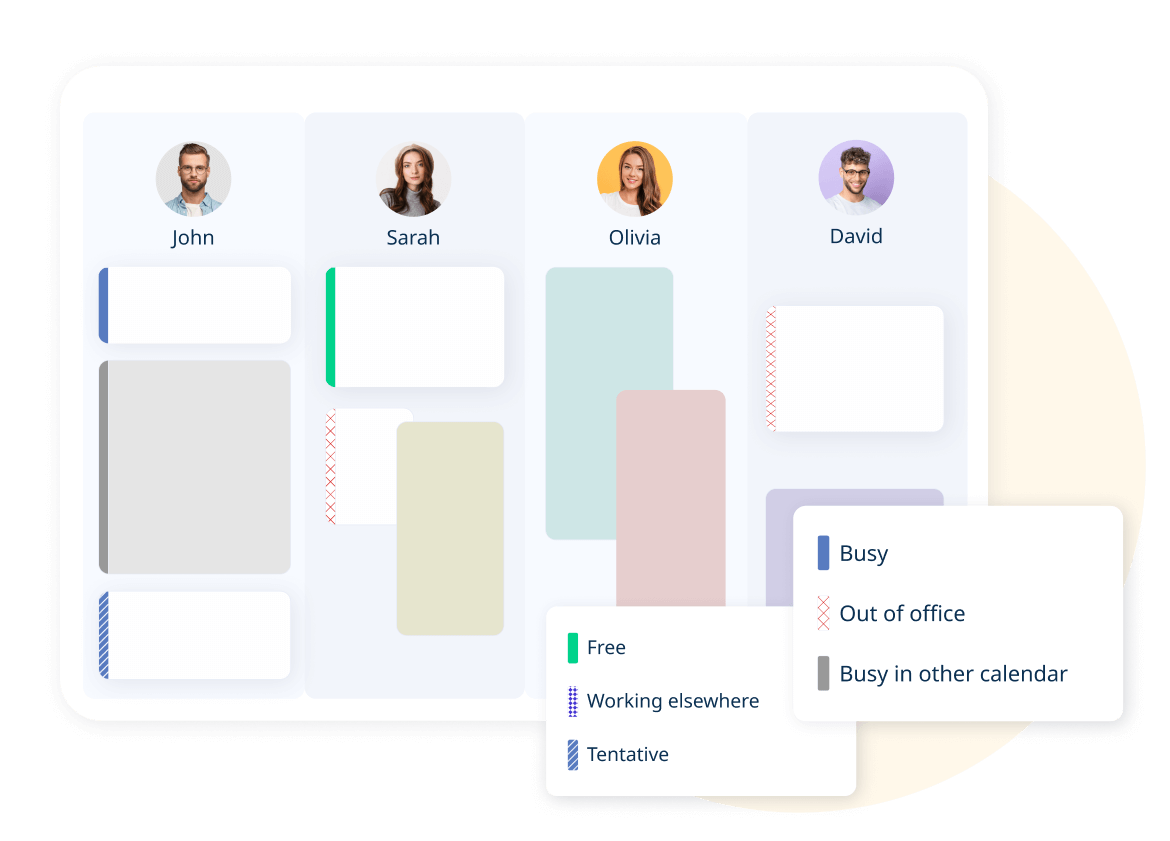
Your team’s availability is displayed in a centralized calendar view. Quickly see who’s free, busy, or out of the office with clear, color-coded statuses. Integration with Google, Outlook, and other calendars keeps schedules accurate and ensures no conflicts

image
Benefit image

Stay true to your brand with full customization on the professional plan

  • Maintain your users' trust

  • Adjust scheduling pages, e-mail notifications, and set a domain to suit your needs

  • Create a seamless experience

Benefit image

Manage account details in one place

  • Centralized billing gives you an overview of your team members' subscriptions

  • Clone settings across members' accounts to set up new accounts in a blink

  • Assign or remove roles according to your needs

  • Use OKTA single sign-on to manage all users in one place

SimplyMeet.me in action for legal services

Check out live examples of how a law firm and an individual lawyer use SimplyMeet.me to schedule consultations and client meetings seamlessly

Manage your bookings on the go with the Admin App!

SimplyMeet.me Admin App is your go-to tool for managing appointments and fostering meaningful client connections. With the Admin App you can always access all your bookings and add new ones.

Benefit from single-use links, social media login, live chat support and an extra layer of security through two-factor authentication.

Keep your client list at your fingertips and contact them directly from the app via WhatsApp or Viber.


As easy as it gets! With a single QR scan, your customers can schedule meetings with you.

SM App mockup

Additional Functionality

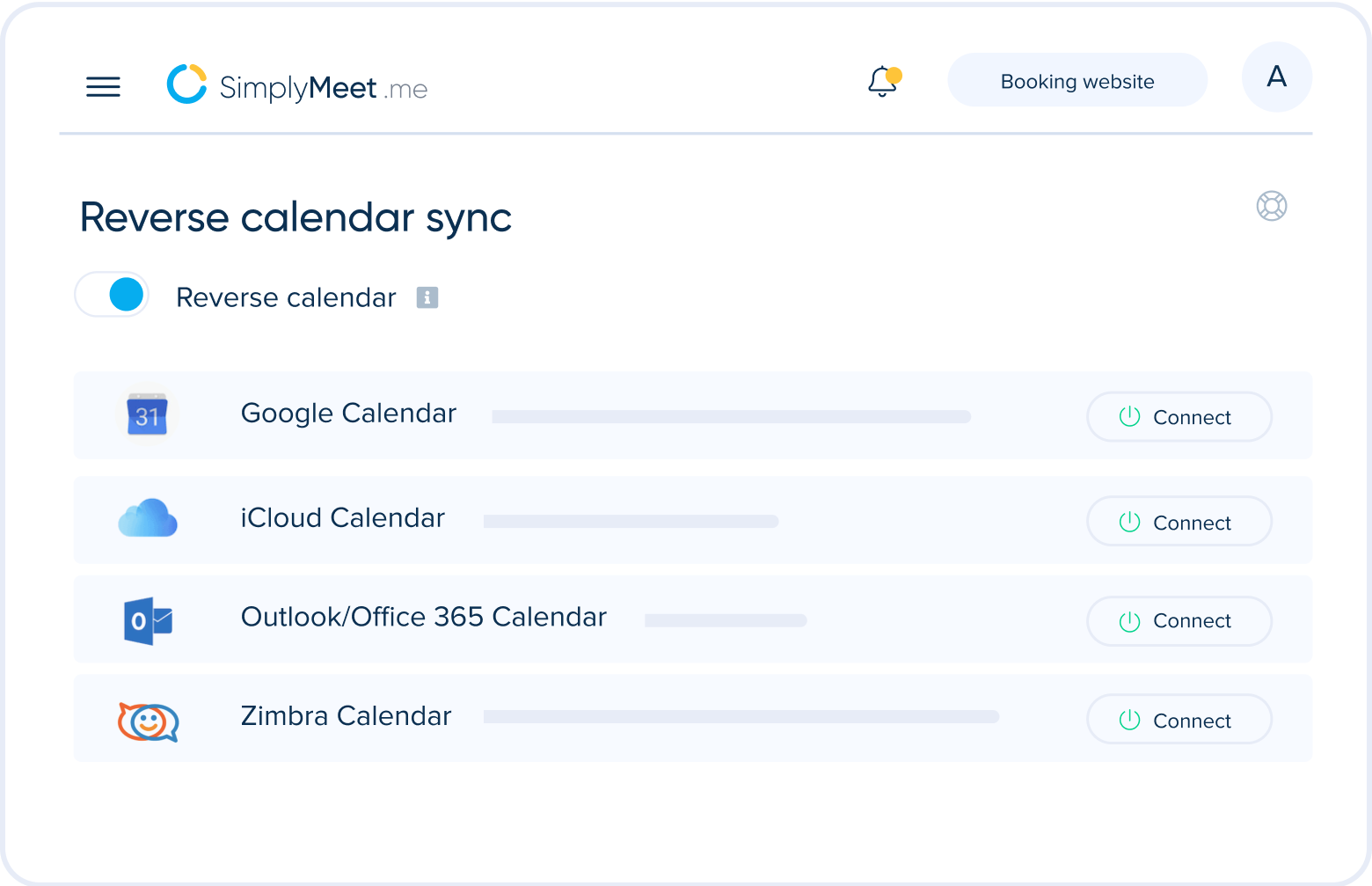
  • Reverse calendar sync

    With Reverse calendar sync, it becomes straightforward to manage particular hours, days and weeks ahead that have specific or unusual availability.

    In an external connected calendar you can quickly block selected times and these blocked times become available and open for bookings for a certain SimplyMeet.me service type. This is the opposite to the normal functionality and could for example be used to create special availability for a hidden calendar link with a certain service type.

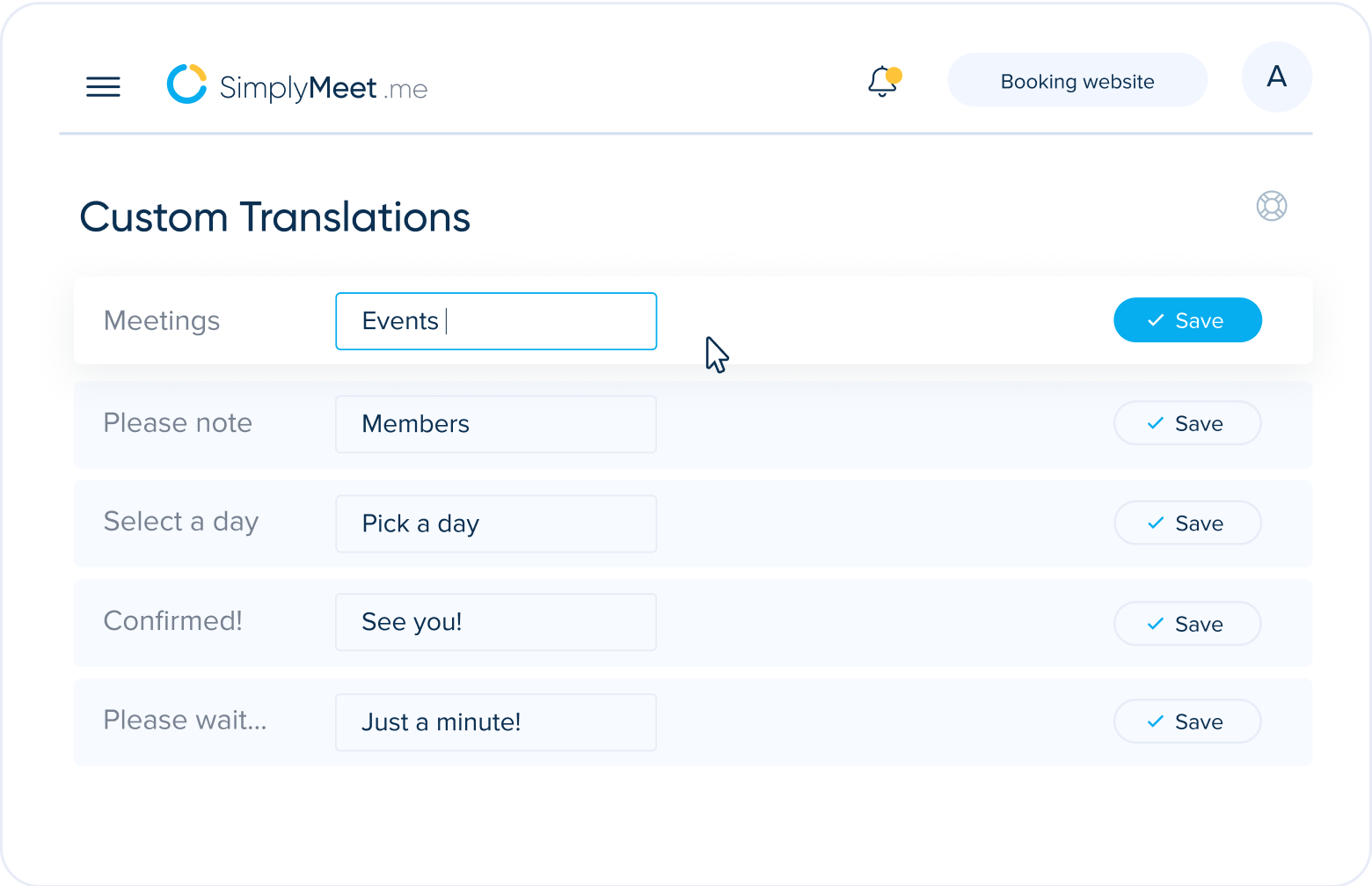
  • Custom Translations

    Do you think the word "Events" suits your business module better than "Meetings"? - Not a problem! You can customise it as well as any other text on your booking website with our Custom Translations feature.

    Despite the account language, you have the flexibility to custom translate it in your own way.

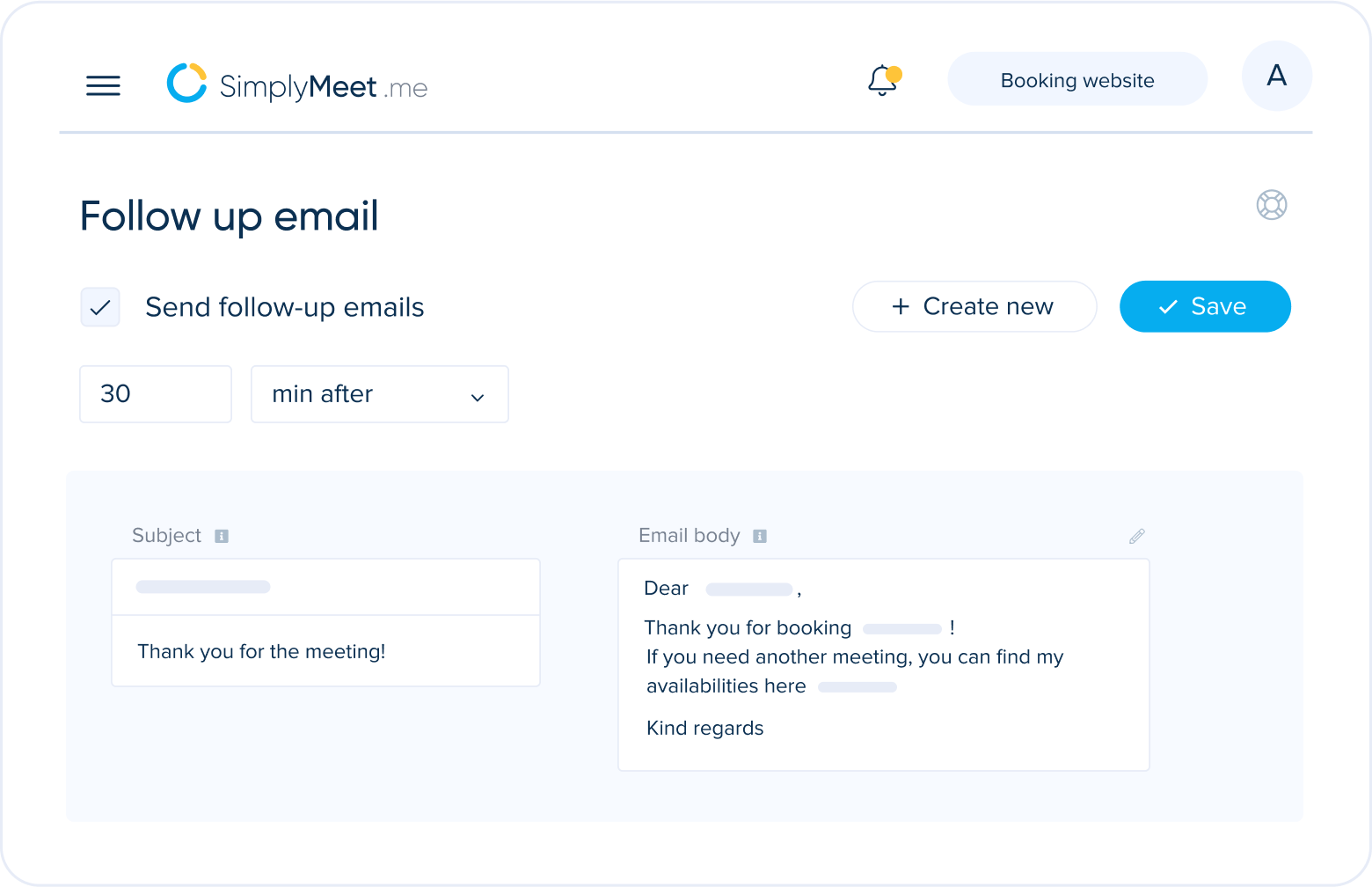
  • Follow Up Email

    Stay on top of your meetings after they have ended with automatic follow-up emails. These notifications allow you to follow up with clients.

    You can pre-set the number of follow-up notifications sent to your clients and set the specific time scale, minutes or hours after your recent meeting.

    That could be to remind the client to book with you again, sharing helpful information, links or more.

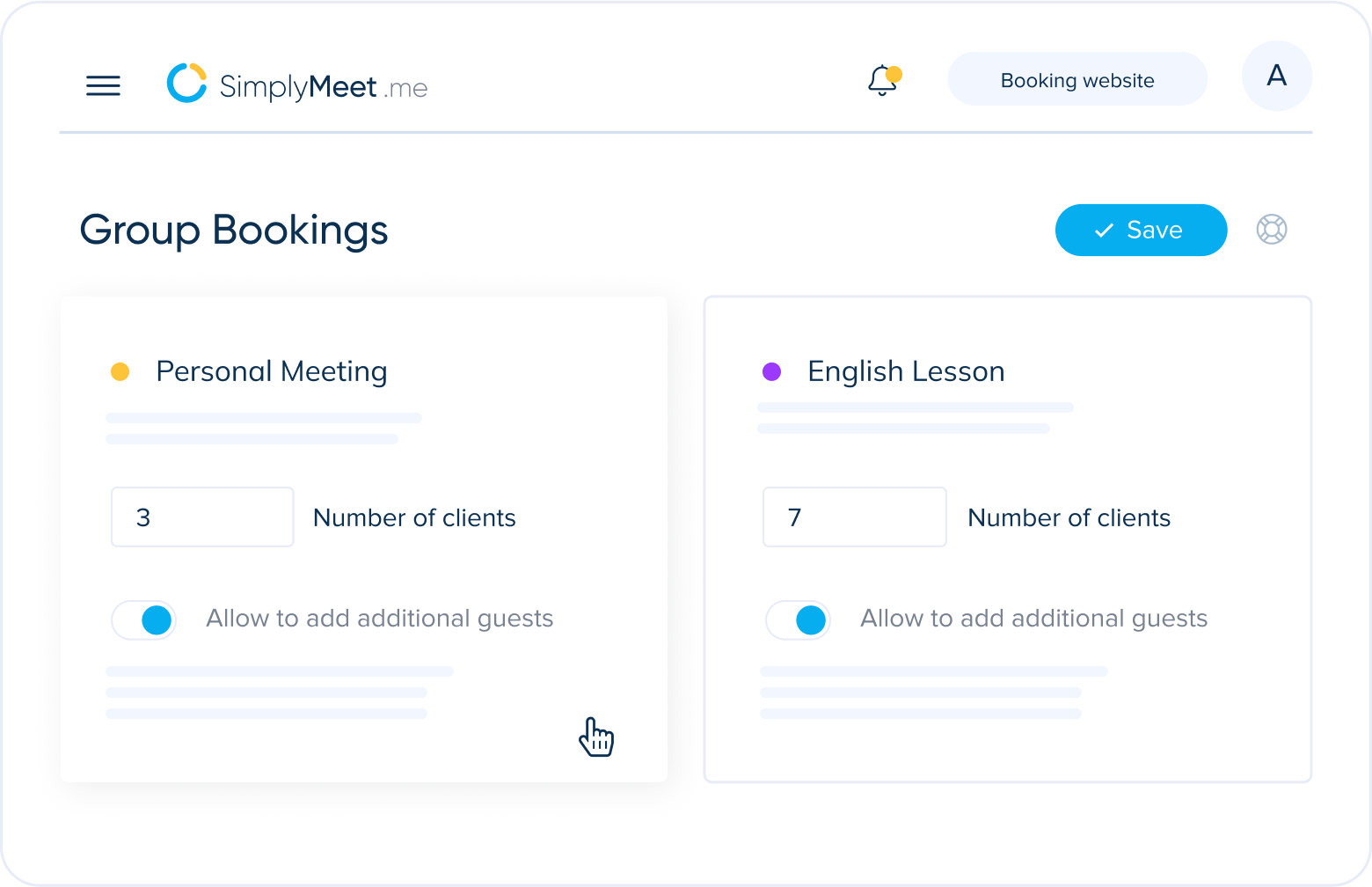
  • Group bookings

    The Group Bookings feature allows you to take more than one booking in all available time slots.

    This can be useful for meetings such as webinars, training sessions, group lectures, group classes and/or for various events

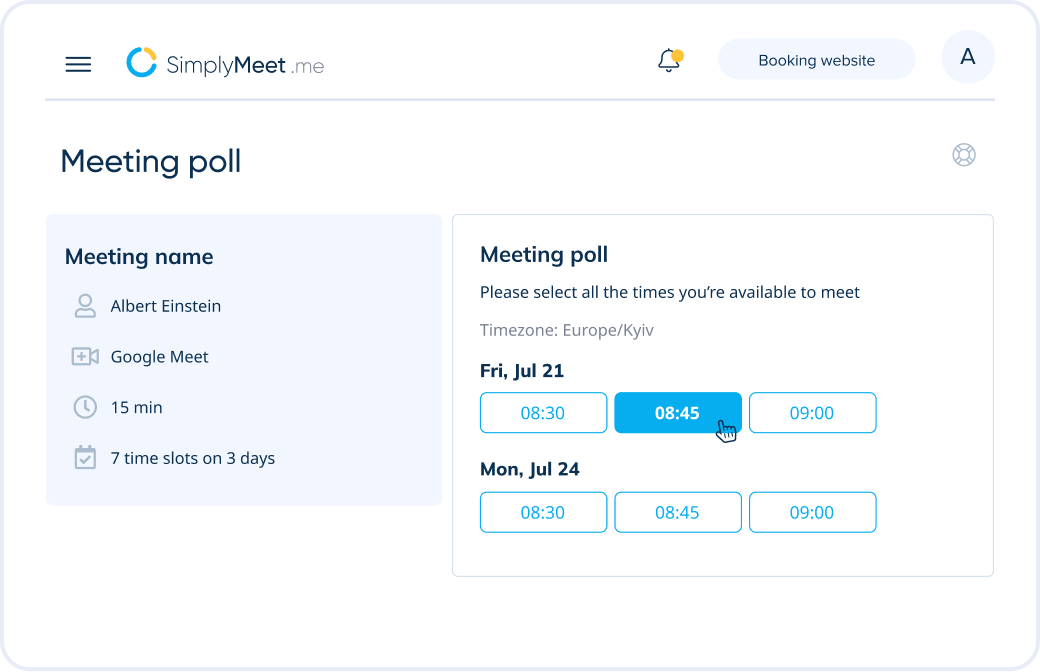
  • Poll Meetings

    As a meeting organizer, propose multiple time slots and let participants choose their preferences. Easily identify the most popular time and confirm the meeting with maximum convenience and attendance.

  • Routing Forms

    Routing Forms allows you to automate appointment scheduling by directing clients or team members to the most appropriate individual or department. Customize the forms based on criteria such as expertise, department, or availability to ensure that every request is efficiently handled by the right person.

Feature image Feature image Feature image Feature image Feature image Feature image

FAQ

01

What is meeting scheduler software?

02

How do I set up SimplyMeet.me meeting scheduler?

03

What integrations does the SimplyMeet.me meeting scheduler offer?

04

How much does the SimplyMeet.me meeting scheduler cost for Team / Professional?

05

What advantages do teams and professionals gain by using the SimplyMeet.me meeting scheduler?

Bird with features image

Want to know more?

Check out all the Features we have in store for you.

Find the right pricing plan for you

Check plans
SimplyBook.me